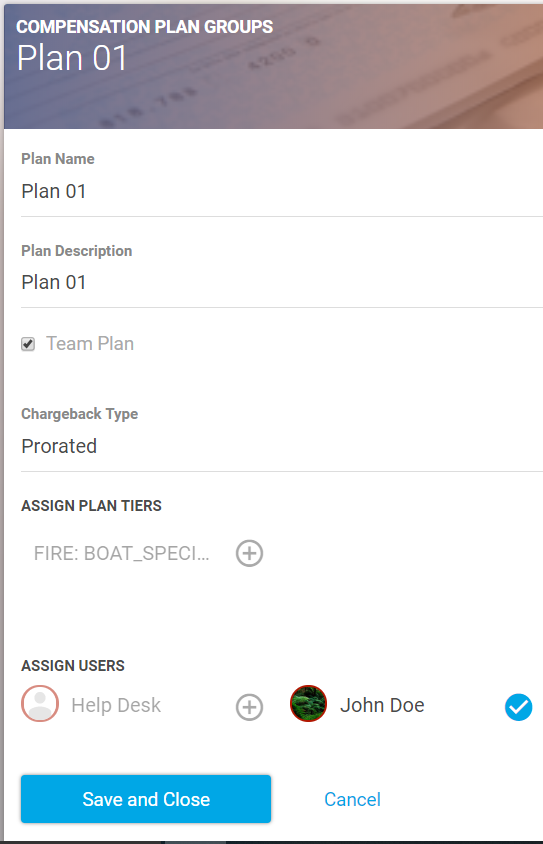
New user profiles will not receive commission calculations until they are assigned to a Compensation Plan.
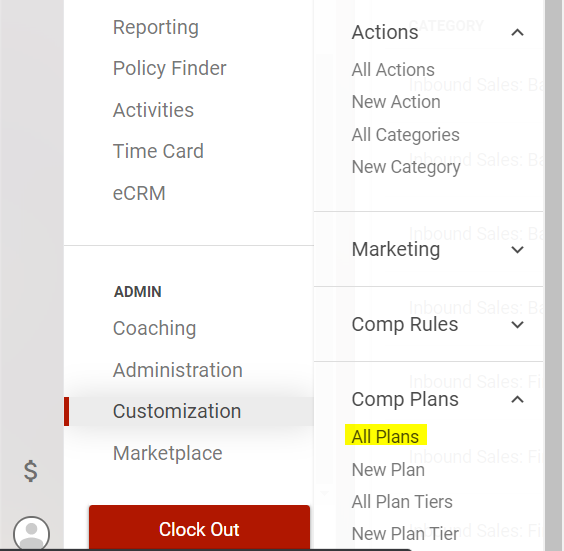
To assign a new user to your Comp Plan, select Customization > Comp Plans > All Plans from the main menu.
Then, select the plan you wish to add the user to.
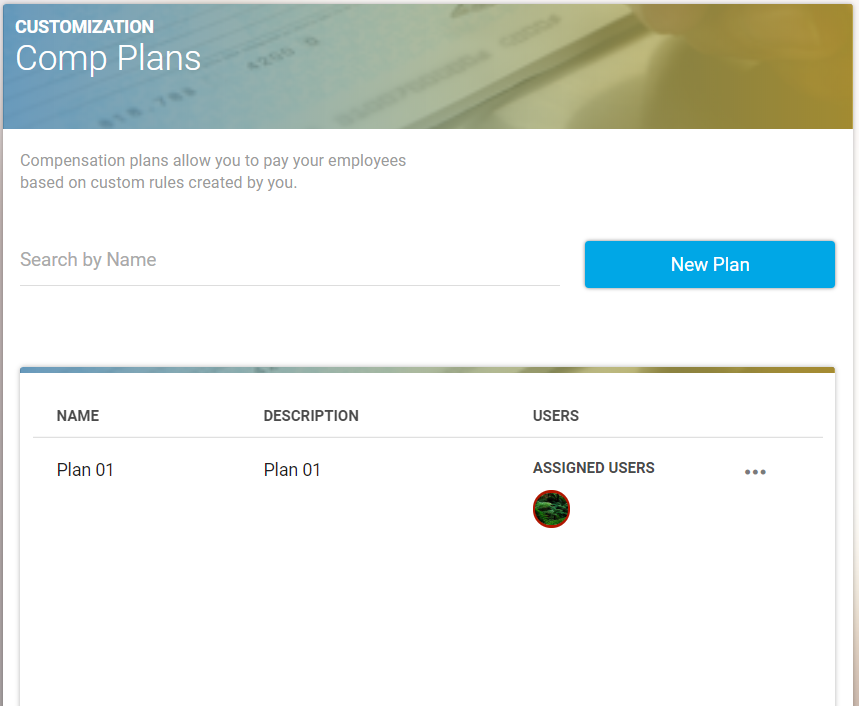
Opening the Comp Plan will show you the tiers and users assigned to the plan.
(Tiers are specific groups of calculations that can be further viewed by going to Customization > Comp Plans > All Plan Tiers)
To assign a new user to the plan, simply select the top right three dots> edit> select their name at the bottom of the page > Save and Close.
To unassign a user to the plan, simply deselect their name > Save and Close.