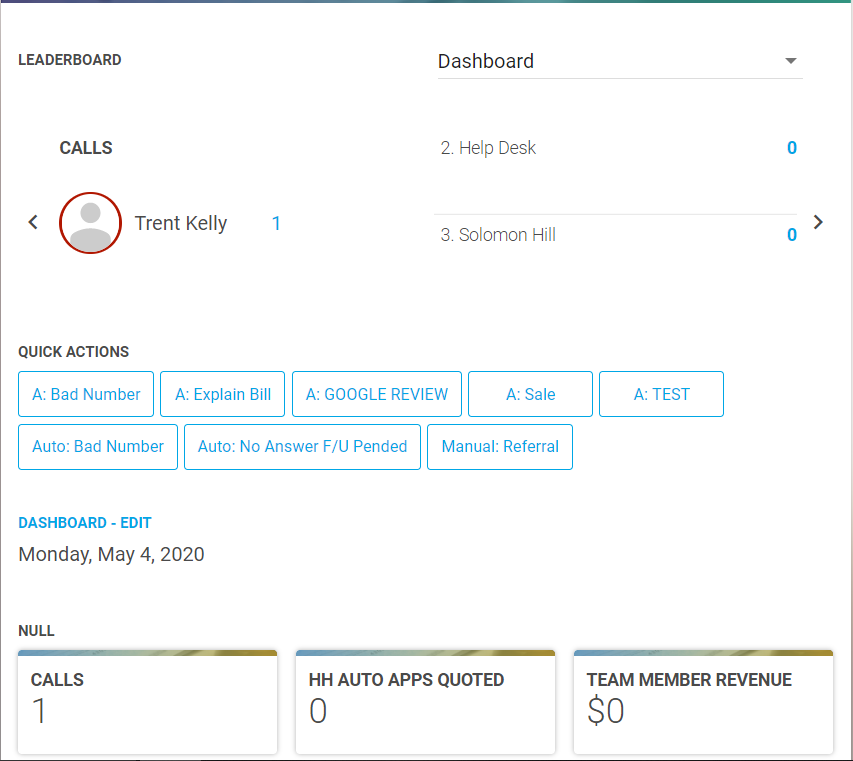
The Leaderboard Dashboard Carousel is a great way to add a competitive edge to your team by displaying the users with the highest goal count within certain categories.
The Leaderboard Carousel functionality can be enabled for any dashboard report.
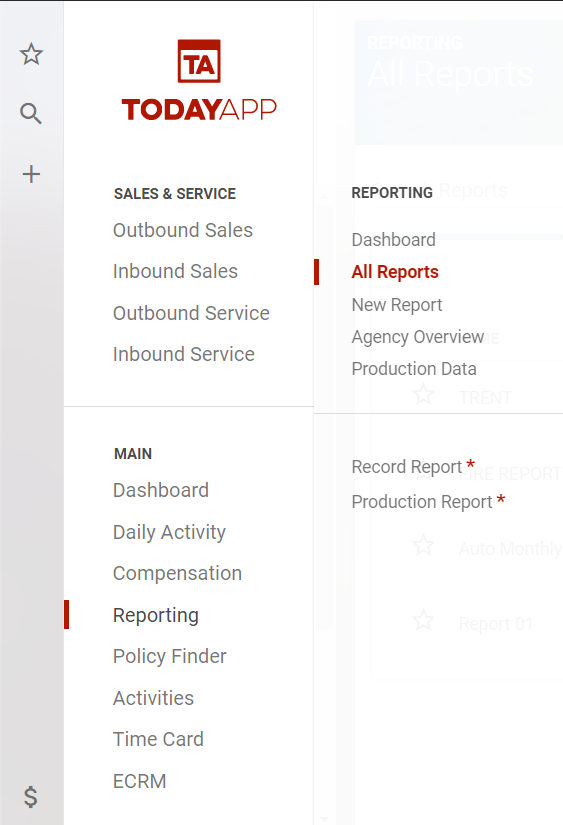
First, go to Reporting>All Reports and click into the dashboard report that you want to add this functionality to.
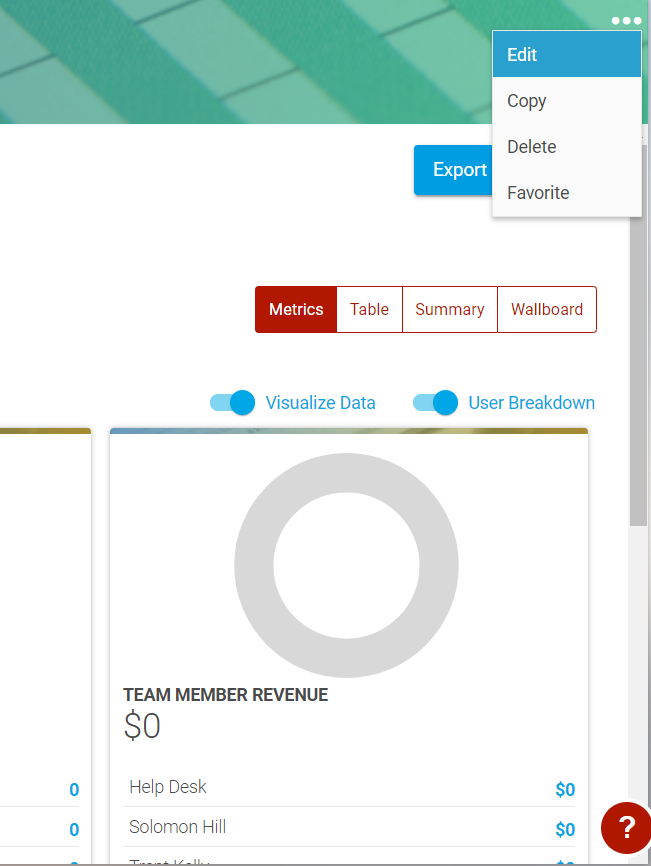
Then click on the three small dots in the upper right-hand corner of the report, and select Edit.
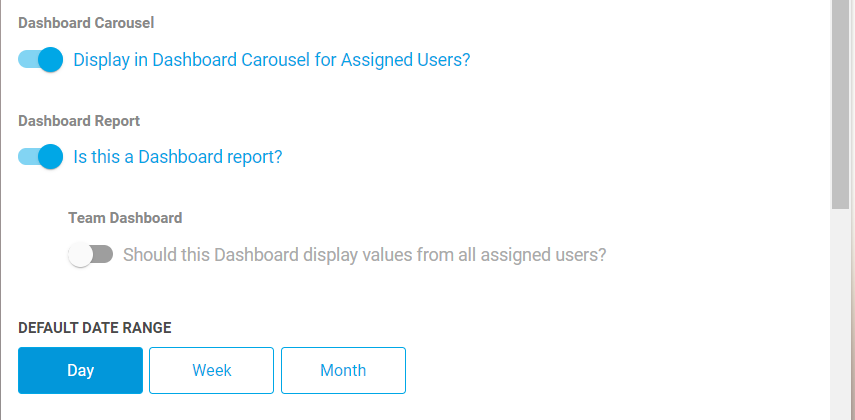
Then scroll down to the setting that says "Display in Dashboard Carousel for Assigned Users" and select the toggle switch to activate this functionality. Then scroll down to the bottom and select Save.

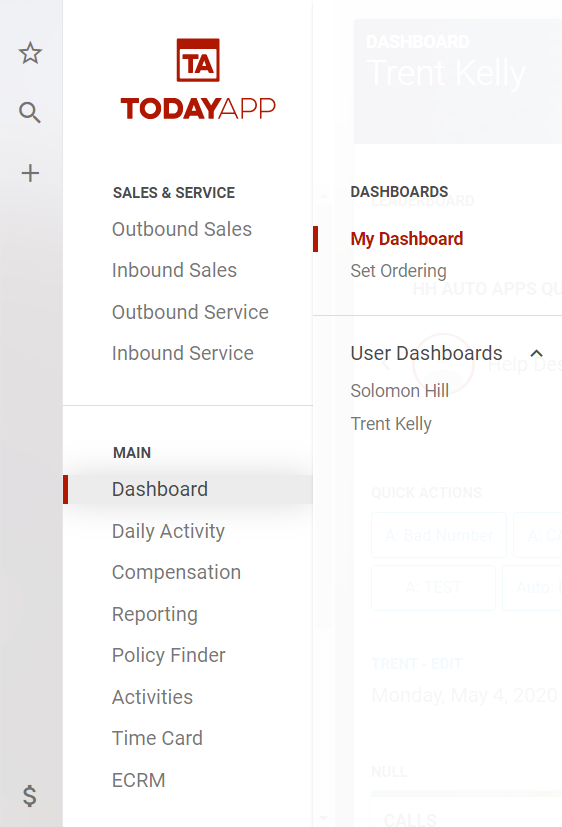
To view the carousel on the dashboard, go to Dashboard > My Dashboard from the main menu.
At the top of the dashboard, you will see the leaderboard carousel which will automatically rotate between goals assigned to the report, displaying the leader for that goal on the left and the second and third place on the right.
Note: If users have not logged anything towards the goals, then the leaderboard carousel will display the names in alphabetical order.
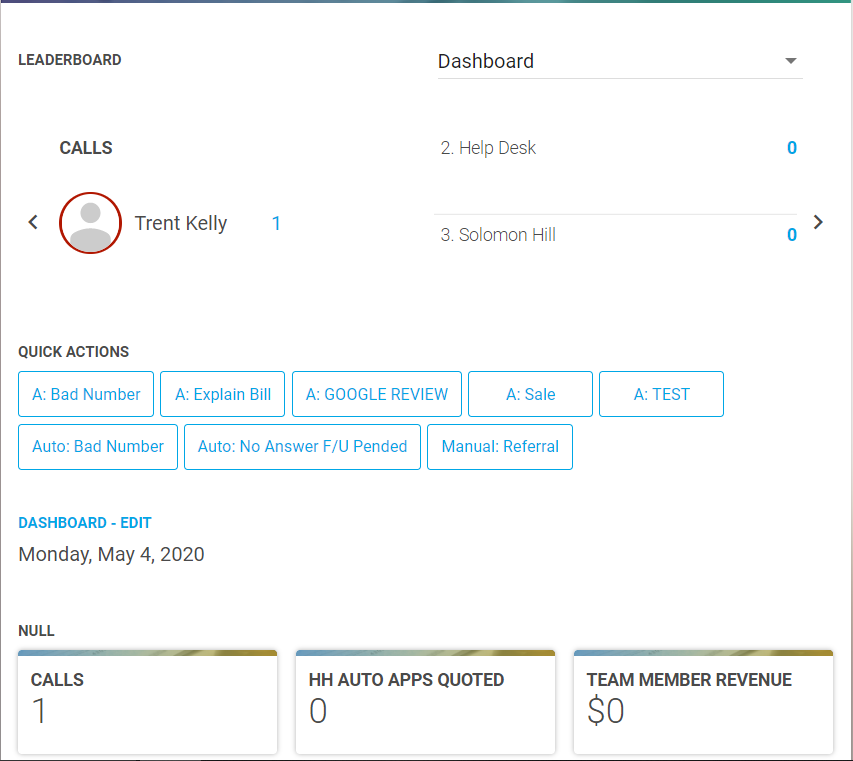
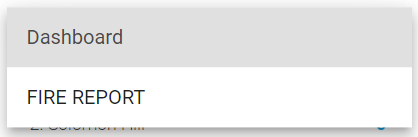
If multiple reports assigned to the team member's dashboard have the leaderboard carousel function enabled, you can toggle between them using the dropdown menu in the upper right-hand corner and selecting the report name you want to view the leaderboard for.