

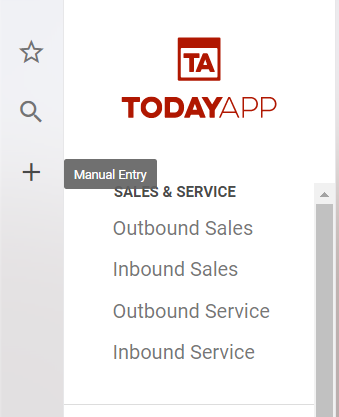
In the upper left-hand corner of the main menu, select the "+" icon to access the main menu section.
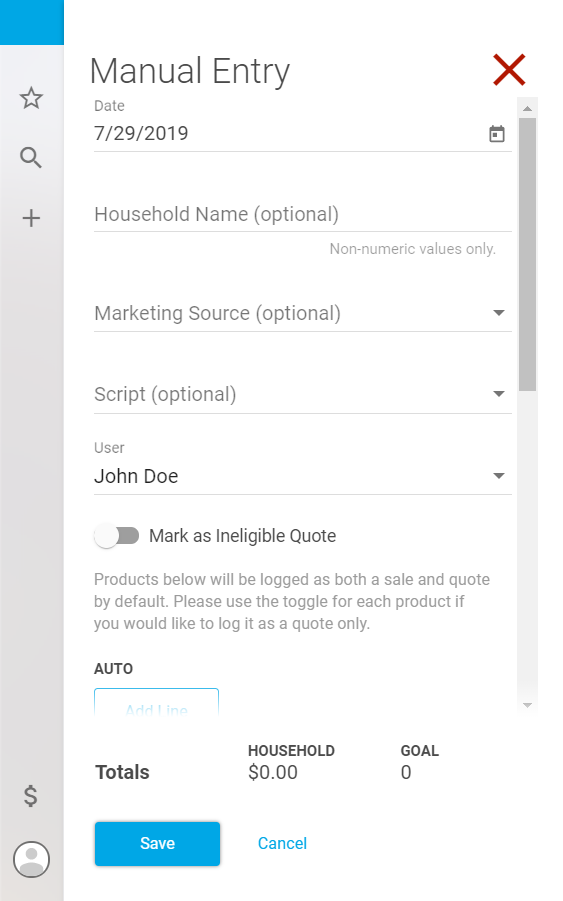
When entering a sale or quote, you will be prompted to enter the date, household name, marketing source, product(s), premium(s), and if you are an admin you will also have the option of selecting the user.
Scroll down and add the product, and the price. If you want this to be saved as a quote only, click the switch underneath that says “Mark this product as a quote only.”
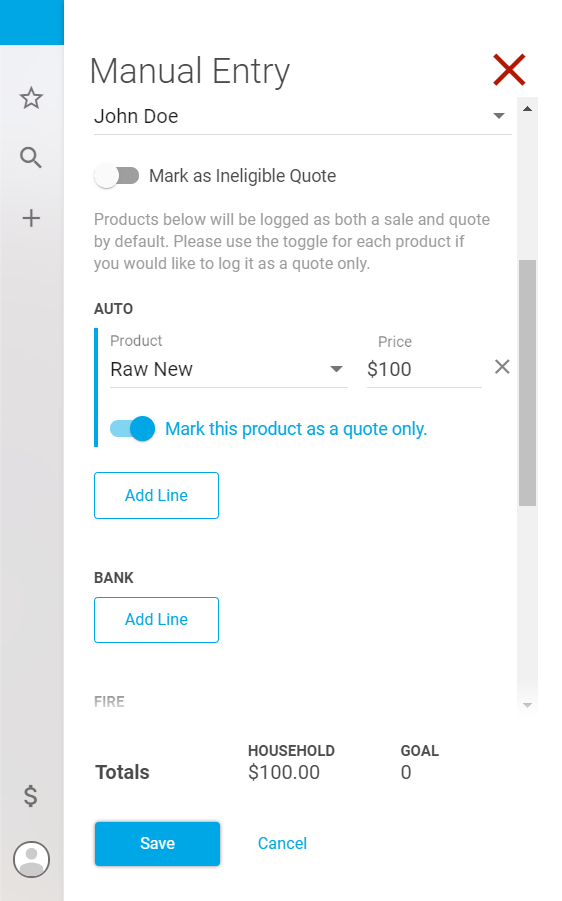
Scroll to the bottom and hit “Save” when you are done.