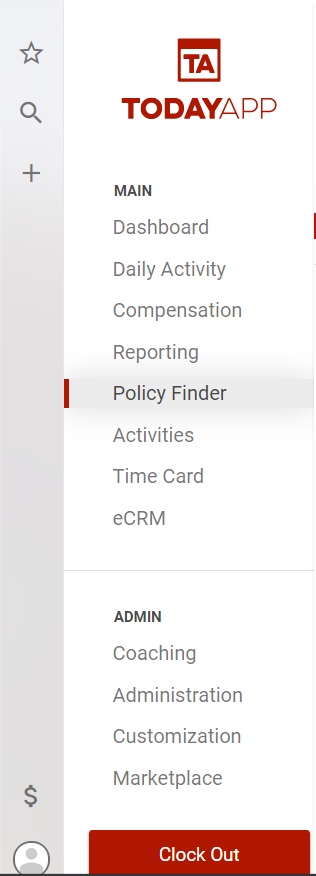
From the main menu select Policy Finder.
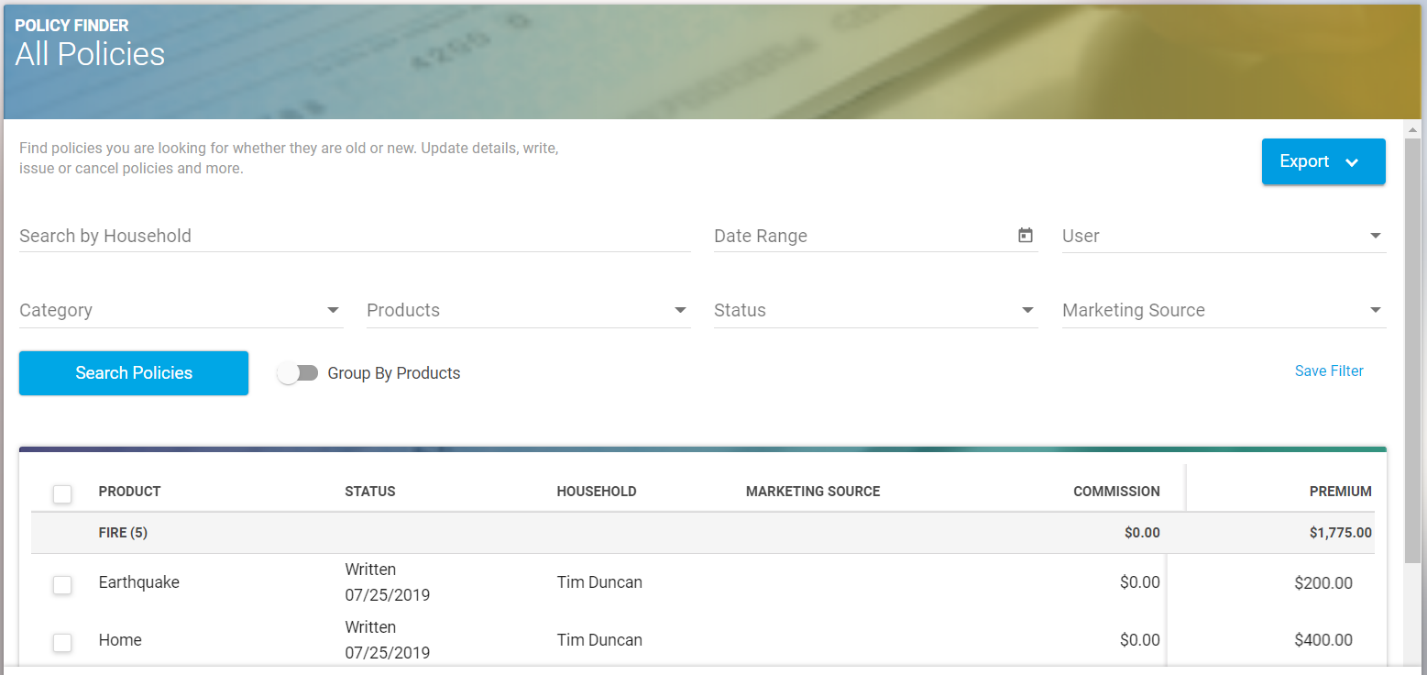
In the Policy Finder you can search for a policy by household name, or you can use the other filters to find the policy you would like to change.
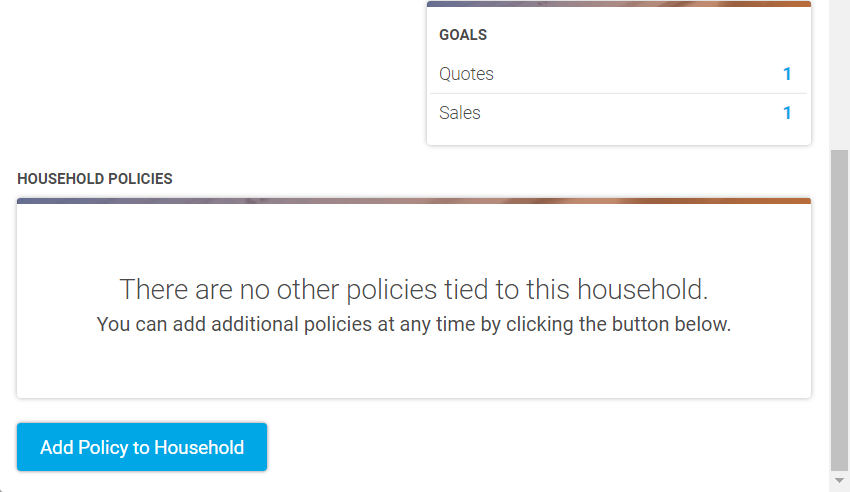
Click into the policy, then scroll down to the bottom and select “Add Policy To Household.” From the menu on the right select “Add Line” under the policy type, then select the product and the price. The scroll to the bottom and select “Save.”