

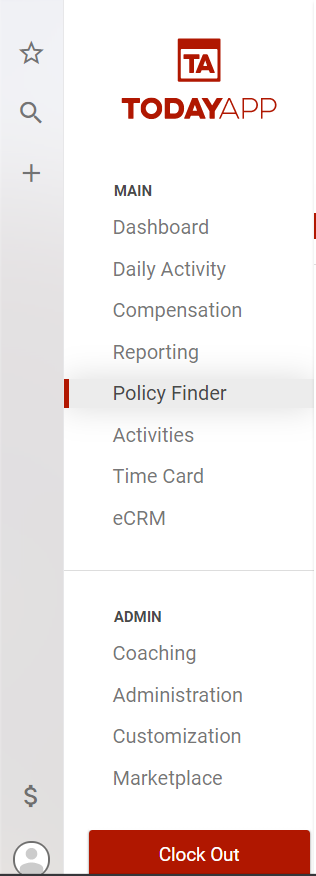
From the main menu select Policy Finder.
In the Policy Finder you can search for a policy by household name, or you can use the other filters to find the policy you would like to change.
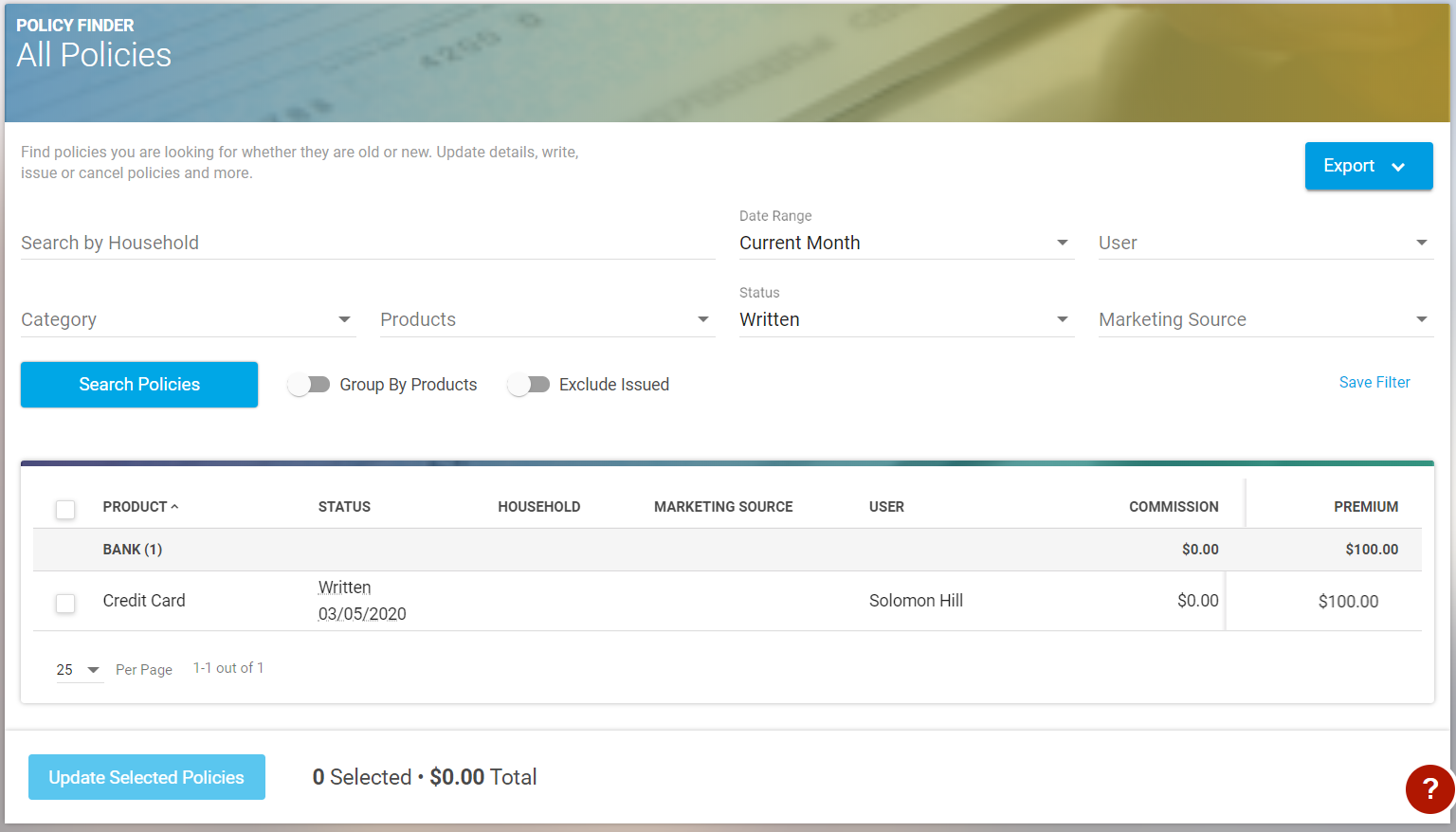
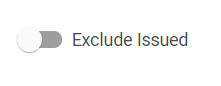
If searching using the written status and you want to exclude policies that have been issued, select the Exclude Issued toggle switch.
These filters can be saved and accessed in the favorites section which is the star in the left side navigation. Agents and Team members with issuer status can now edit the sales status of multiple policies by selecting the check mark next to each policy they want to update and select the button at the bottom "Update Selected Policies". This should make issuing multiple policies much quicker and more efficient.