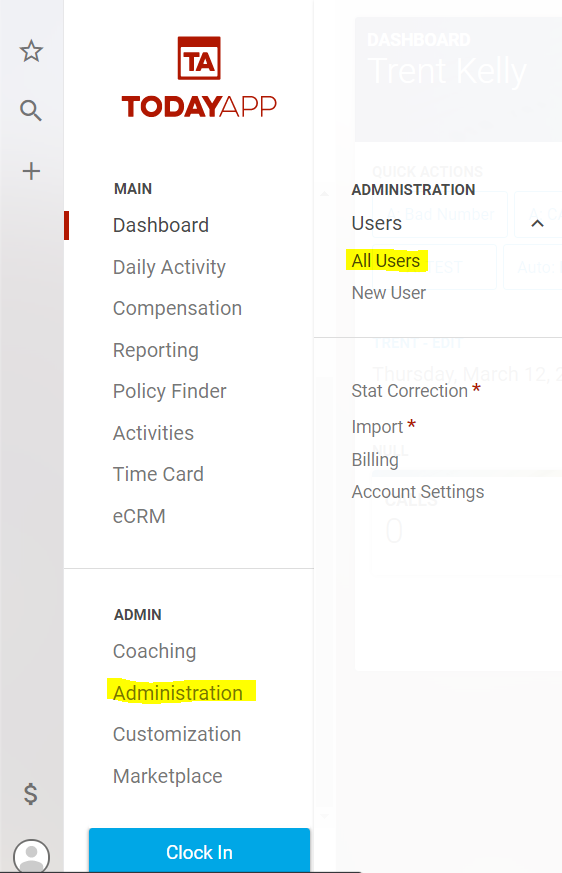
To assign user roles, start by going to Administration>All Users from the main menu.
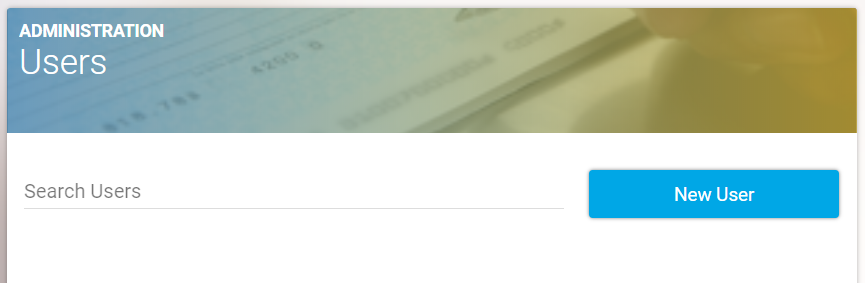
Select the user to which we would like to assign a new role using the user search bar at the top. The user filter accepts a name and or email to filter users by.
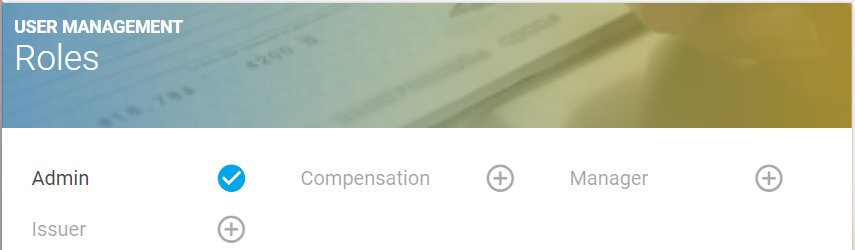
This will take you to a detail page for that user. Below the user's profile information, you will find the roles section. Select one of the buttons to add that user to that role.