

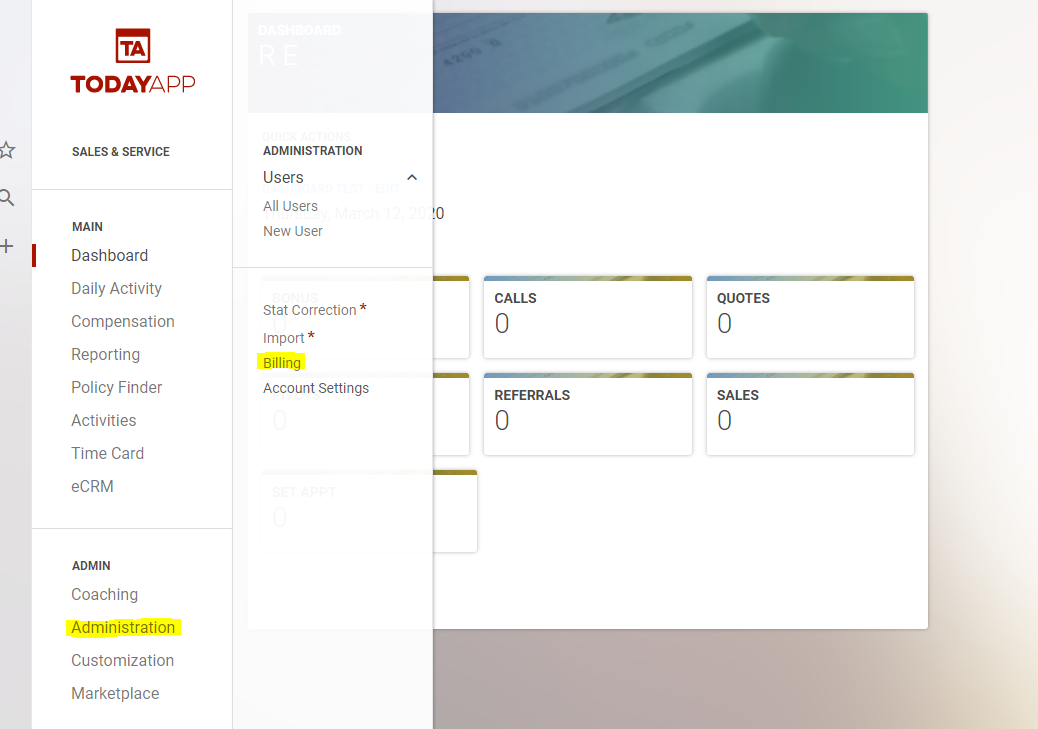
We are sad to see you leave and hope you can give us feedback to help improve other users' experience. It is also important to note that when cancelling a subscription, the account will be closed immediately. You can leave the account open until the day before your next billing date. You can view your billing date by going to Administration>Billing.
To cancel a subscription you first need to go to the Current Subscription page, which is found under Administration > Billing.
From there all you have to do is click the "Cancel Subscription” button and your subscription will be cancelled.
