

You are welcome to email our Support Team at support@todayapp.com to have new goals added to your TodayApp.
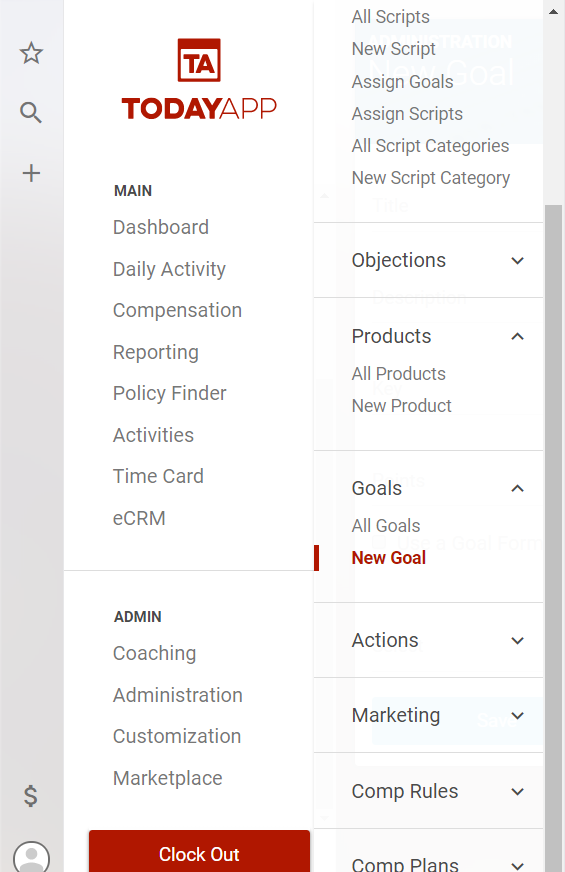
To create a new goal select Customization>Goals>New Goal from the main menu.
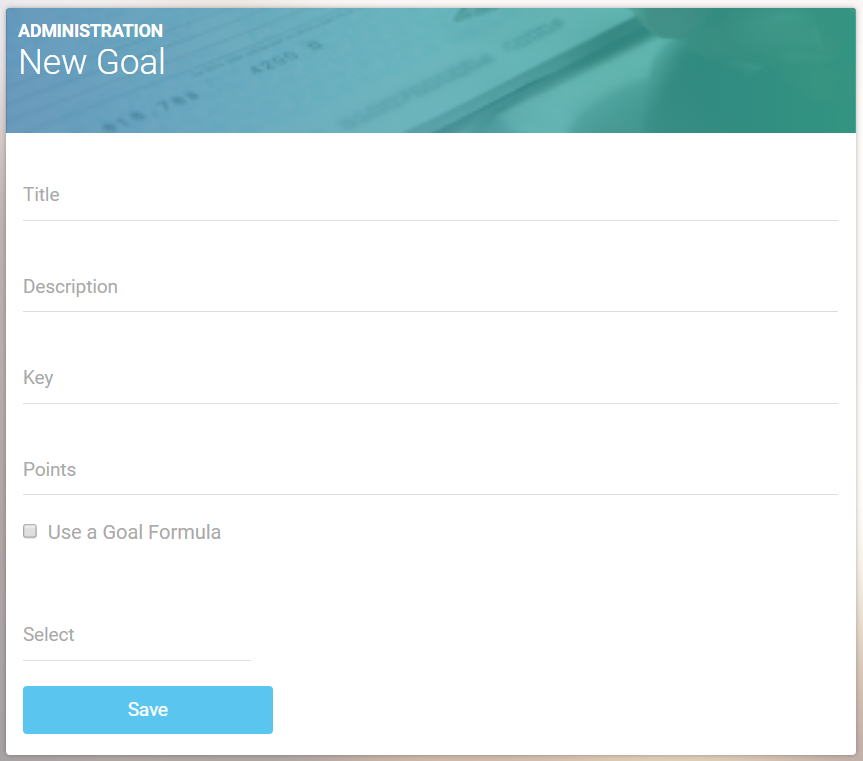
Name the goal and give it a description.
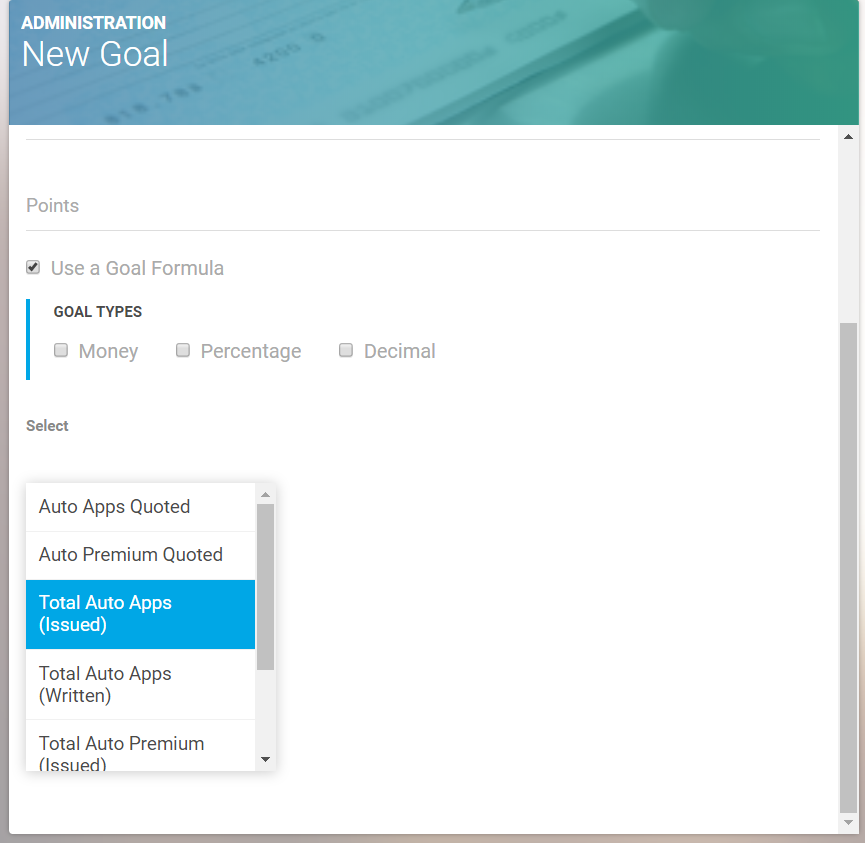
To attach a formula to the goal, select “Use a Goal Formula,” then search for the formula from the dropdown that pops up.
Hit the “Save” button and your goal is created, and can now be added to a dashboard report.