
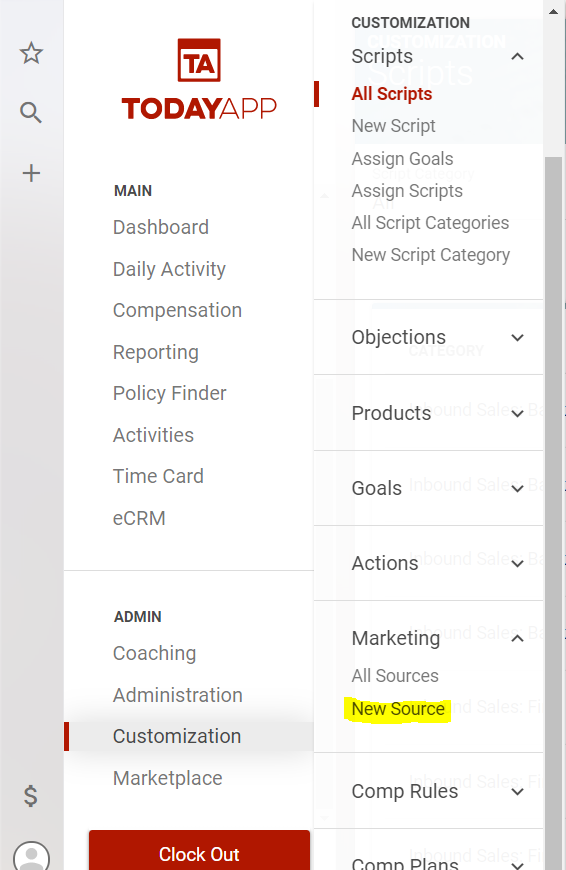
To create a new marketing source select Customization>Marketing Sources from the main menu.
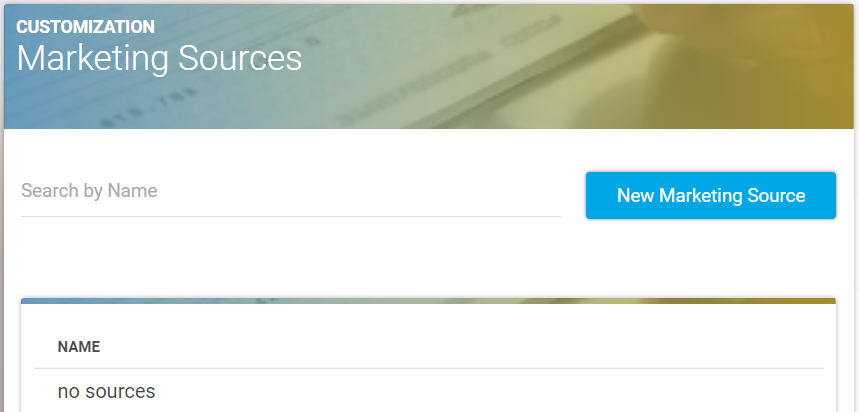
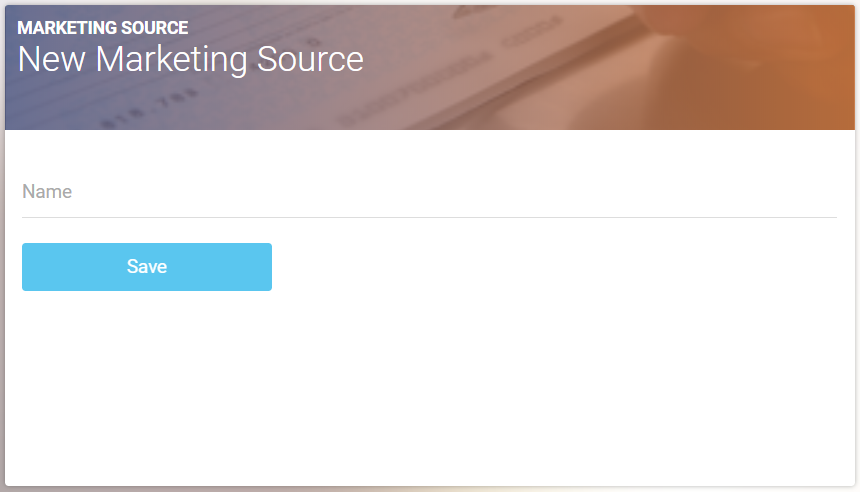
Select “New Marketing Source,” add the name of the source, and click “Save.”

Need help? You're in the right place.
Get help straight from the TodayApp team...
Customization
Please note that you must map new marketing sources with ECRM if you are integrated with ECRM.
Last updated on 05 Apr, 2023
To create a new marketing source select Customization>Marketing Sources from the main menu.
Select “New Marketing Source,” add the name of the source, and click “Save.”