

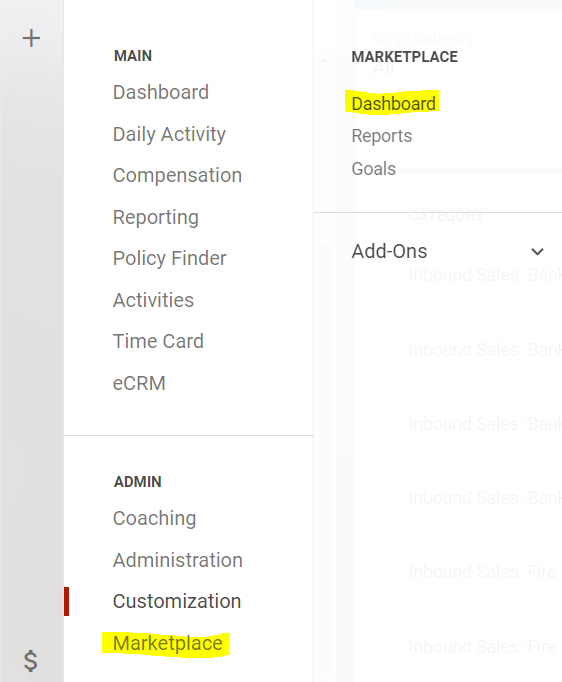
To subscribe to an add-on service select Marketplace>Dashboard from the main menu.
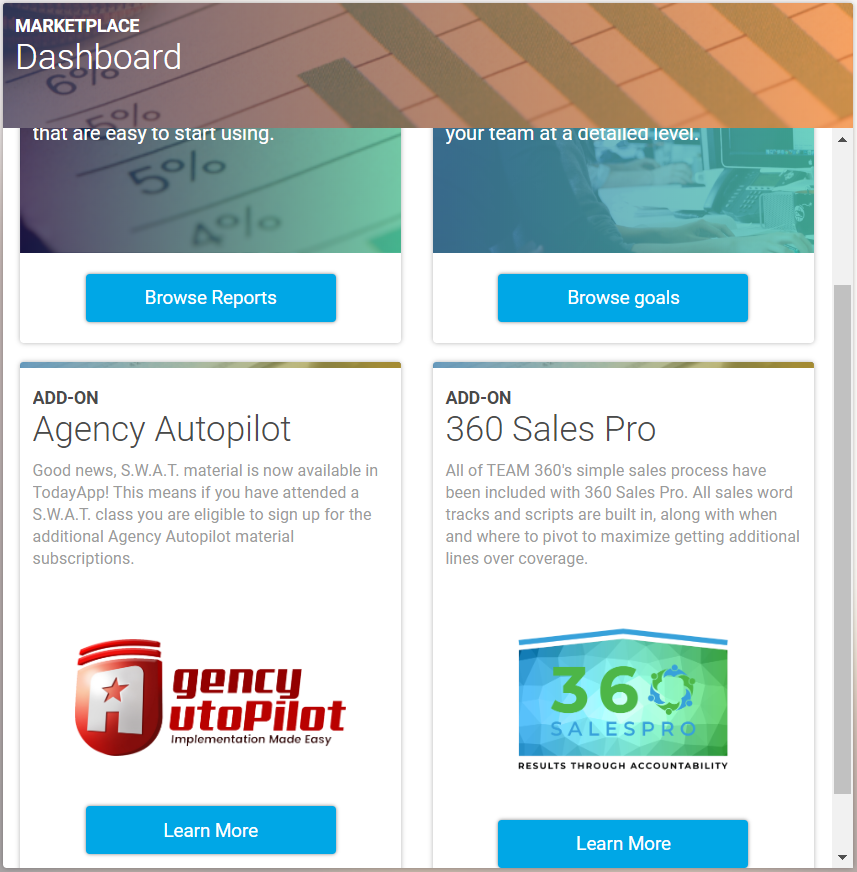
Next you will click on Browse Reports on the product you would like to learn more about.
This will bring up a prompt with the terms and conditions you must agree to prior to subscribing. Please read these carefully as they are different from each vendor and is a legally binding agreement. Select “Download Report” and it will download to your account.