
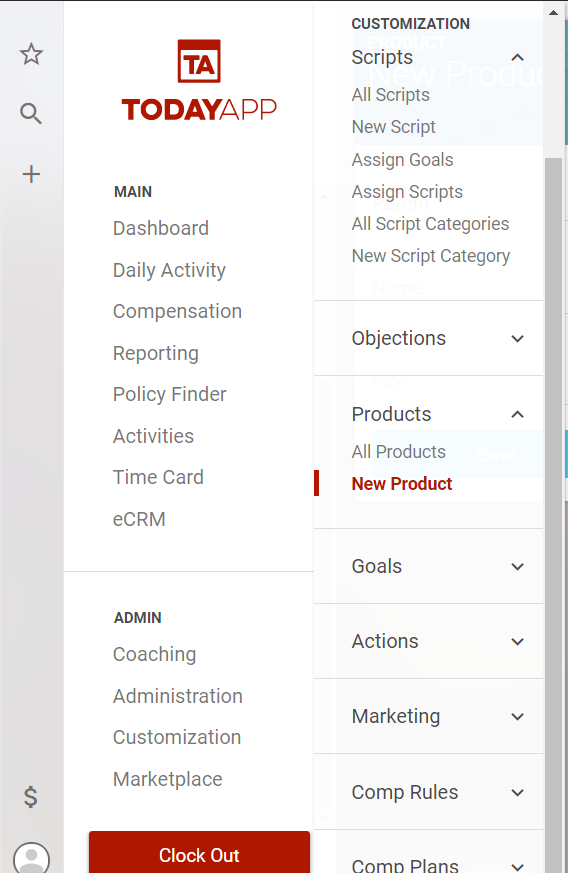
To create a new product select Customization>Products>New Product from the main menu.
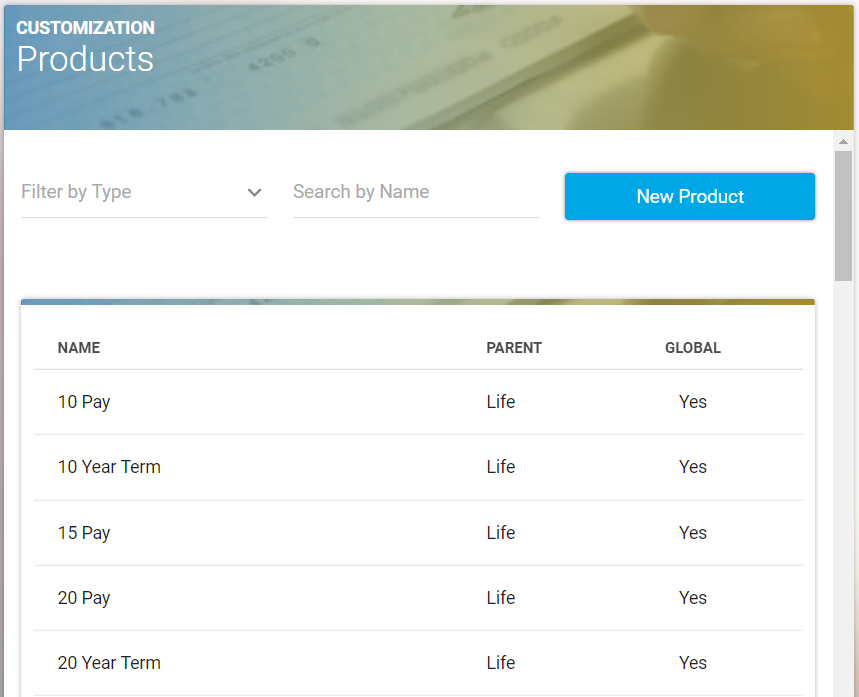
Select “New Product,”
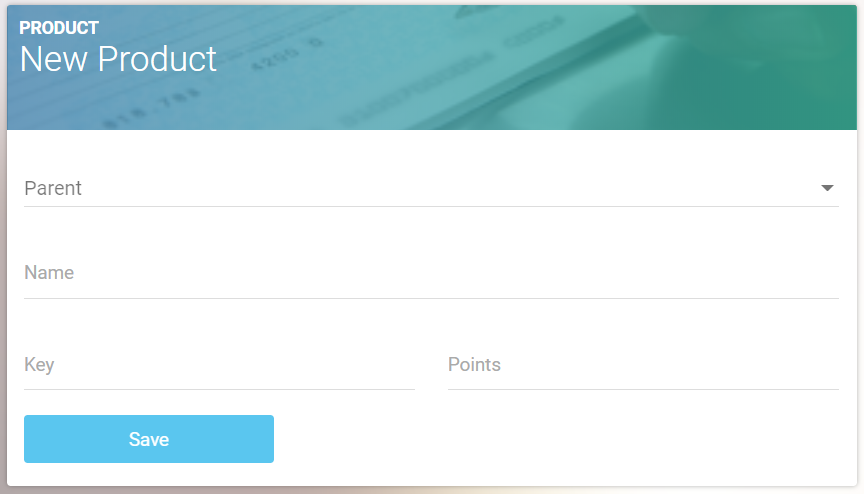
select the parent category and assign it, then add the name of the product, and click “Save.”

Need help? You're in the right place.
Get help straight from the TodayApp team...
Customization
You are welcome to email our Support Team at support@todayapp.com to have new products added to your TodayApp.
Last updated on 05 Apr, 2023
To create a new product select Customization>Products>New Product from the main menu.
Select “New Product,”
select the parent category and assign it, then add the name of the product, and click “Save.”