

From the main menu under the Sale & Service tab, click the "Inbound Service" dropdown, then select the script.
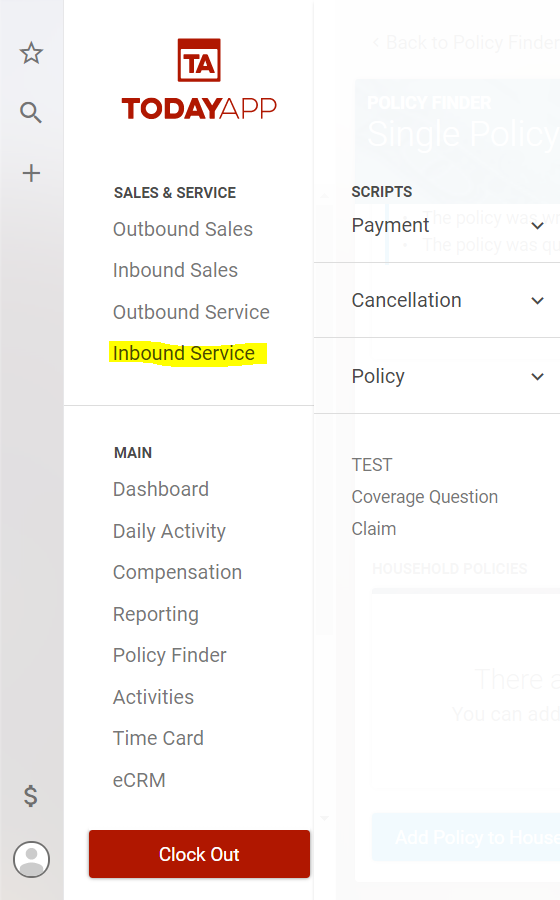
In this example, we will be logging a "Coverage Question". This we will want to click the "Coverage Question" option. This should result in a page filled with scripts for you to prompt a potential client. Use these scripts to keep the conversation flowing and to respond to the potential client's questions.
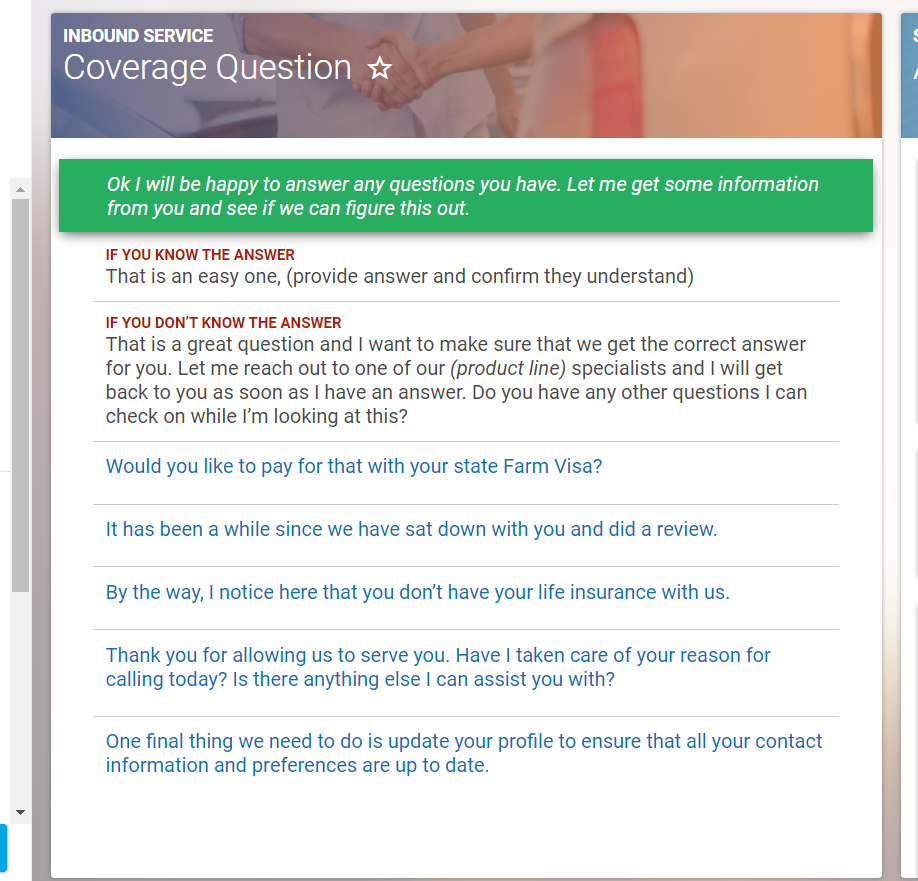
While using the scripts you may come across some that have blue text, these sections help you to pivot to a new topic should the client take interest in what you mention from the blue text.
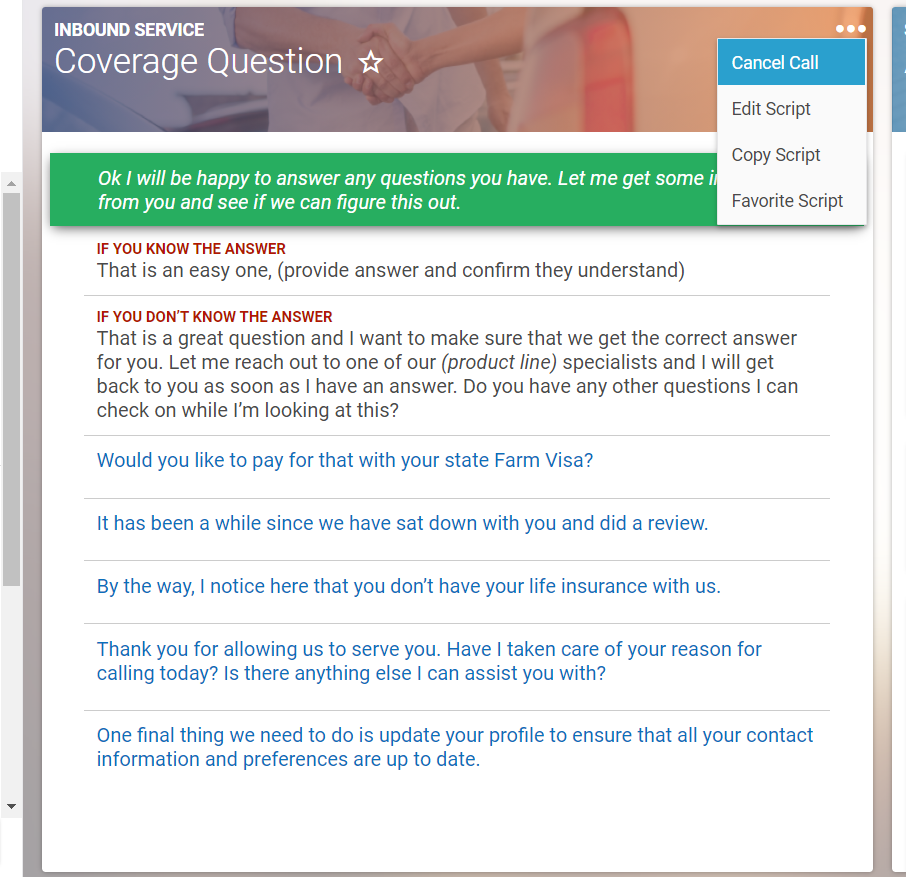
If something comes up and you need to cancel the call you will want to click on 3 dots in the top right-hand corner and select "Cancel Call". This will navigate you back to the dashboard. Otherwise, once you are ready to complete the call, click on an option in the Action window on the right of the script.
To the left of the scripts, there are a series of tabs with various available responses for you to select from based on how the call went.
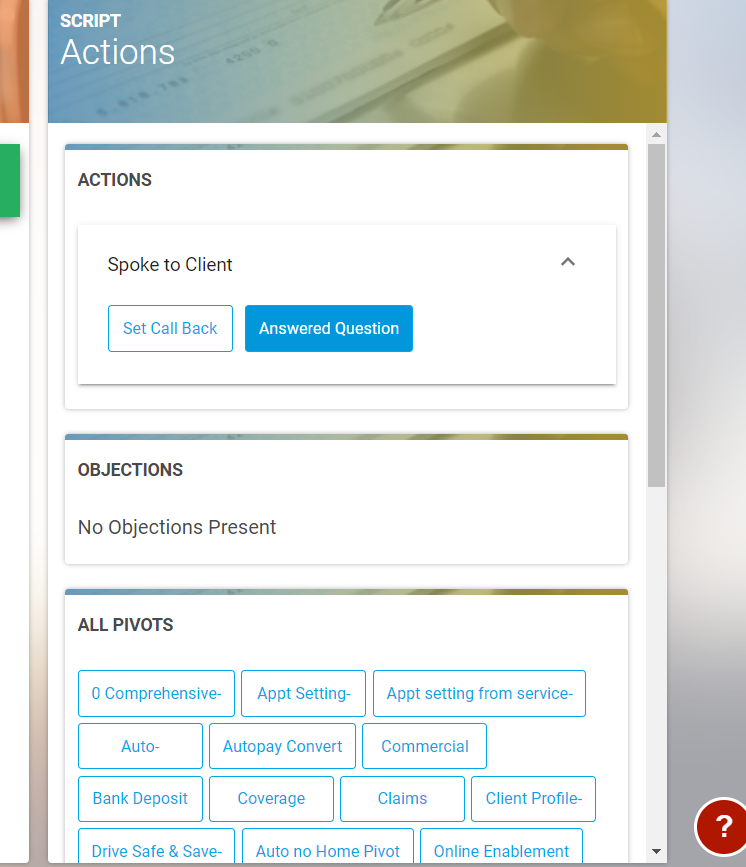
Each of these responses will load a form asking you to confirm to complete the call.