

Pivots can occur when the topic of a call changes. For example, if you are speaking with a client about an "Auto" policy and you get to a section of text that is blue. This is a pivot built into the scripts.
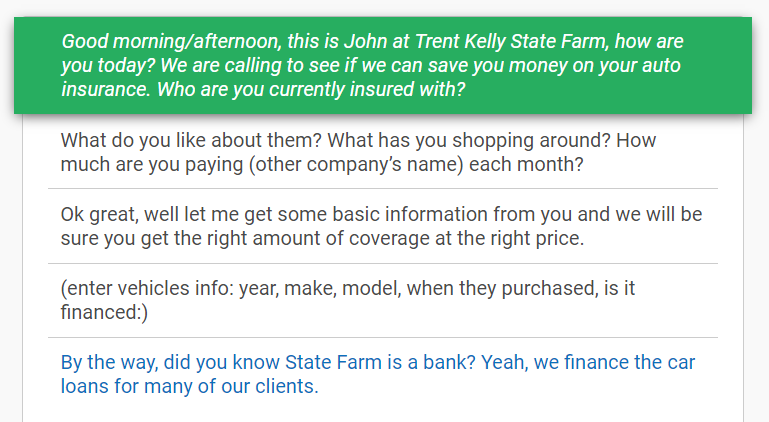
If the client is interested in learning more about a "Home" policy, click that blue section of text.
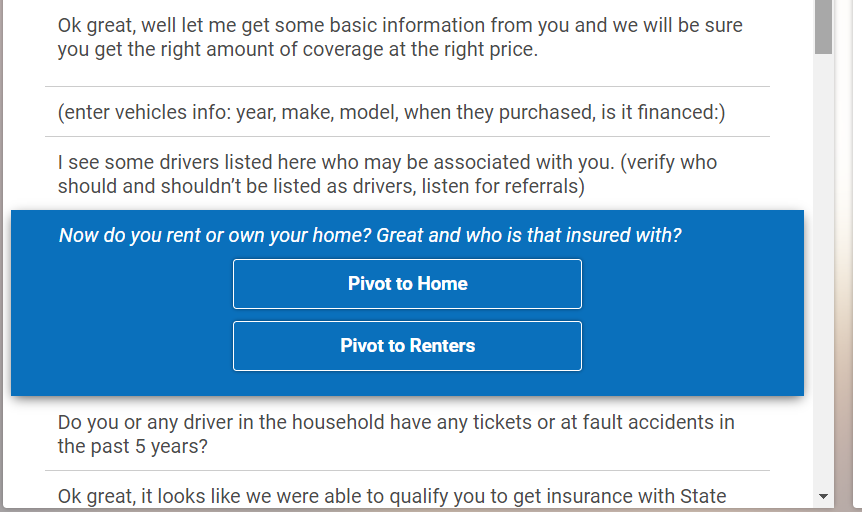
That will expand the section to show a button that will allow you to pivot to a "Home" script.
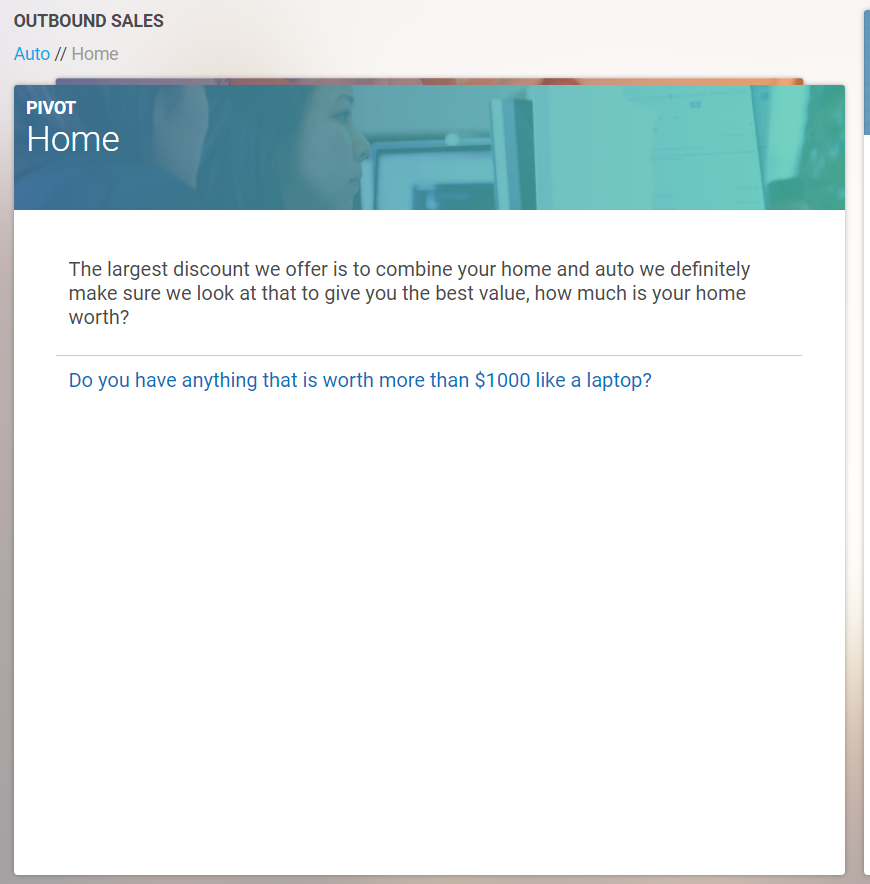
Use the new script to answer any questions the client has about the topic and when you are finished you can navigate back to the "Auto" script by clicking the "Auto" tab at the top of the page.
Another way to pivot is to use the "All Pivots" section on the right side of the screen.
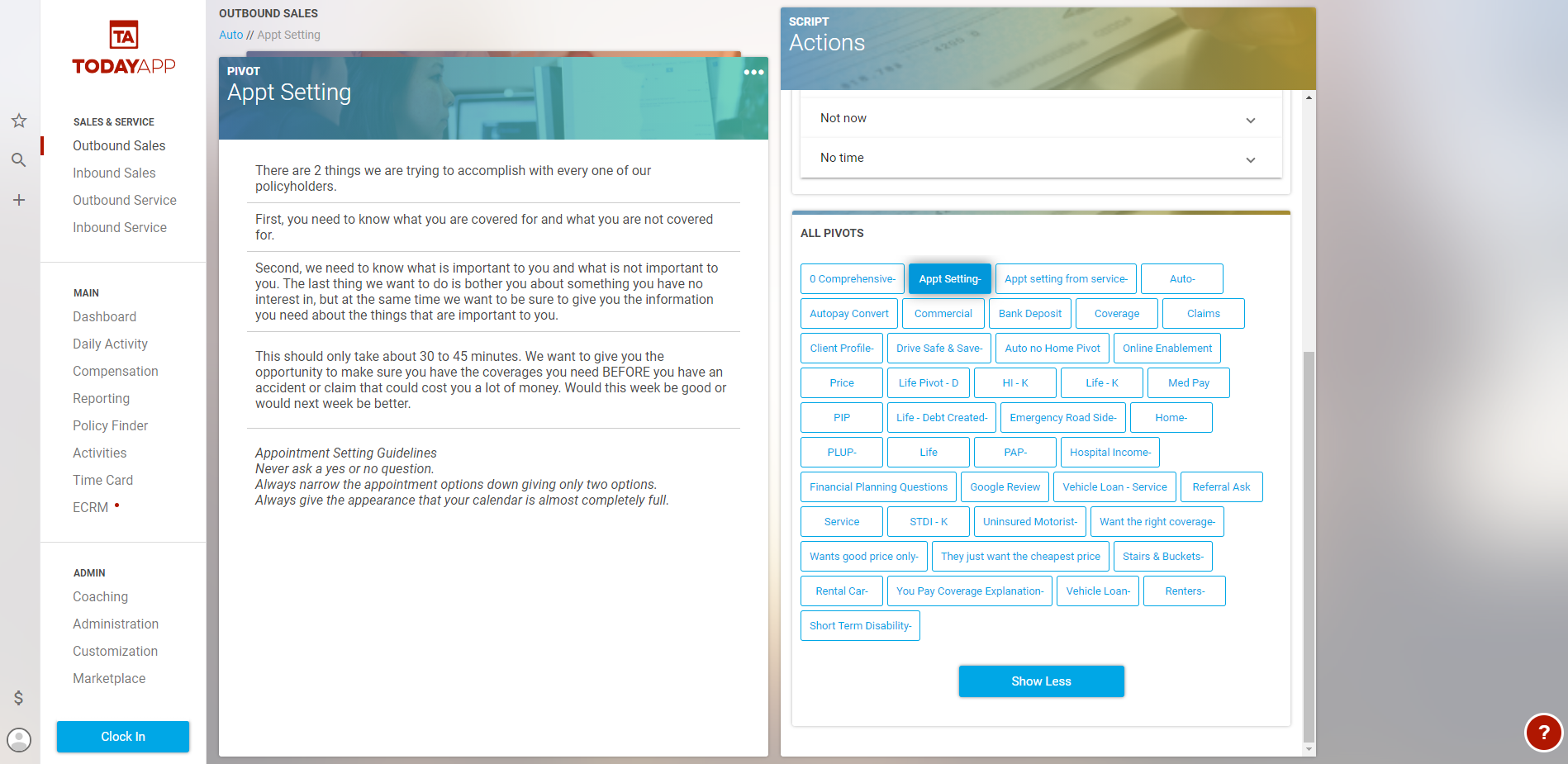
The All Pivots window contains links to all possible pivots. Depending on the link selected a new script will load in once it is clicked.