
You can view the navigation menu on the left-hand side of your screen. You can hover over each category on the list to show a pop out menu with further options if available.
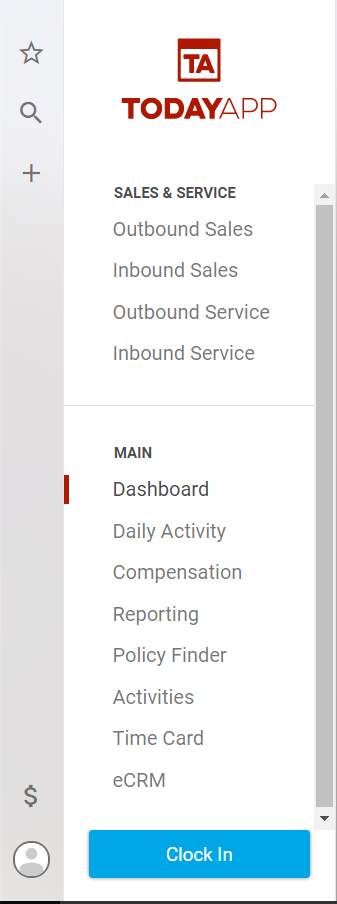
Here's a brief overview of the different sections of TodayApp
:

Need help? You're in the right place.
Get help straight from the TodayApp team...
TodayApp 101
Everything on the left side of the screen. How to navigate through TodayApp.
Last updated on 05 Apr, 2023
You can view the navigation menu on the left-hand side of your screen. You can hover over each category on the list to show a pop out menu with further options if available.
Here's a brief overview of the different sections of TodayApp
: