
Logo

Need help? You're in the right place.

Get help straight from the TodayApp team...

Clock-In and Clock-Out

TodayApp 101

Clock-In and Clock-Out

How to clock in and out in TodayApp.

Last updated on 05 Apr, 2023

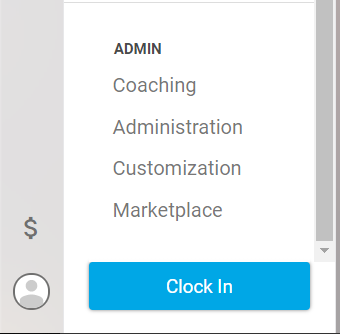
When you first log in for the day, you will clock in using the blue button on the bottom left-hand corner of the main menu.
Image

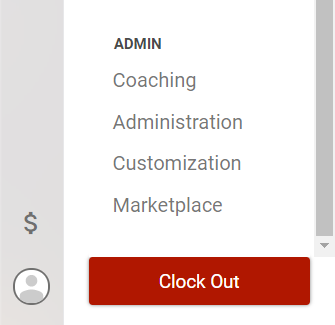
At the end of the day or should a time arise that you need to leave work you should click the "Clock Out" button in the same area as the "Clock In" button.
Image
Did you find this article helpful?
Previous

Activities

Next