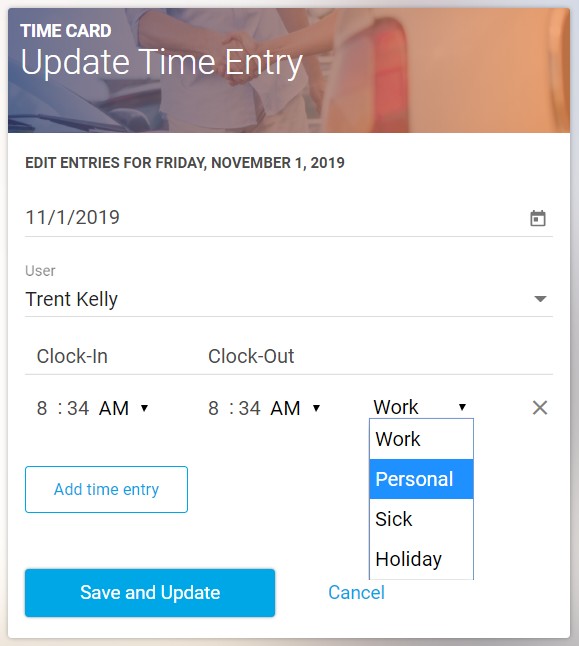
You can view team members' time logged and log new time entries by going to Time Card from the main dropdown menu.
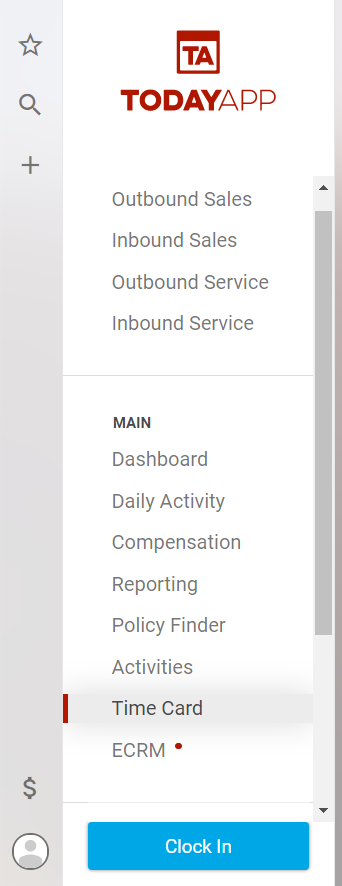
You can adjust time entries to view by date range, team members or type.
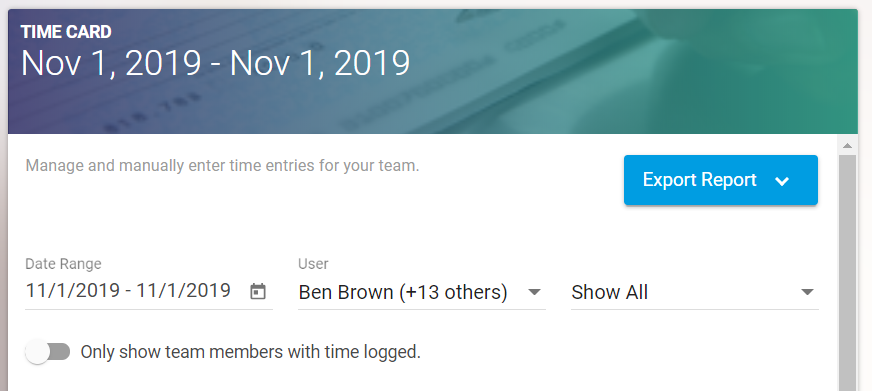
You can add new time entries for a team member by selecting Add Entries.

Select the date and team member, then select Add Time Entry.
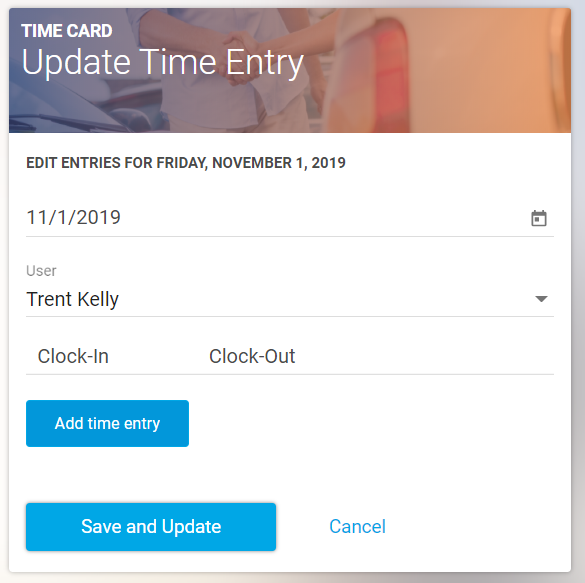
Enter the clock-in and clock-out times, and select an option from the dropdown menu for time entry type. You can then add an additional time entry, or hit Save and Update.