
Logo

Need help? You're in the right place.

Get help straight from the TodayApp team...

TodayApp 101

Activities

How to see the names associated with logging activities like referrals, set appts, etc.

Last updated on 05 Apr, 2023

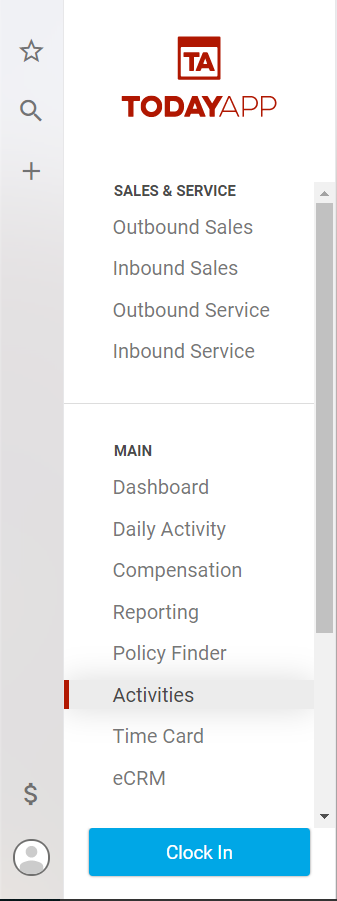
From the main menu select Activities.
Image

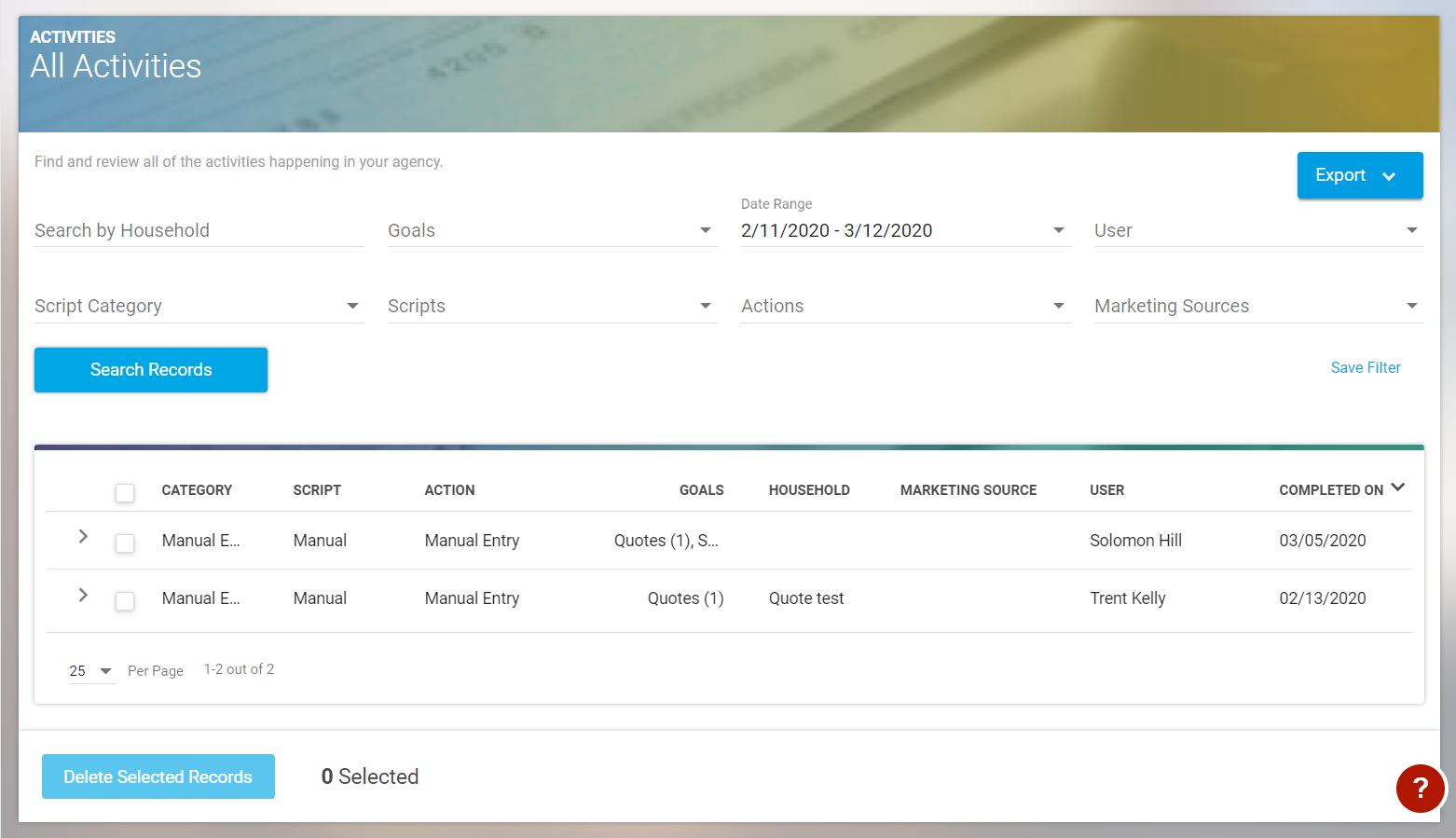
In the Activities section you can search for actions and goals by household name, or you can use the other filters to find the activities you would like to view.
Image

These filters can be saved and accessed in the favorites section which is the star in the left side navigation. 

Did you find this article helpful?
Previous

Creating a New Dashboard Report

Next